

Minecraft: Story Mode - Season Two APK
Telltale Games
- Version
- 1.11b
- Size
- 34.5 MB
- Android
- 5.0+
- Category
- Adventure
Screenshots
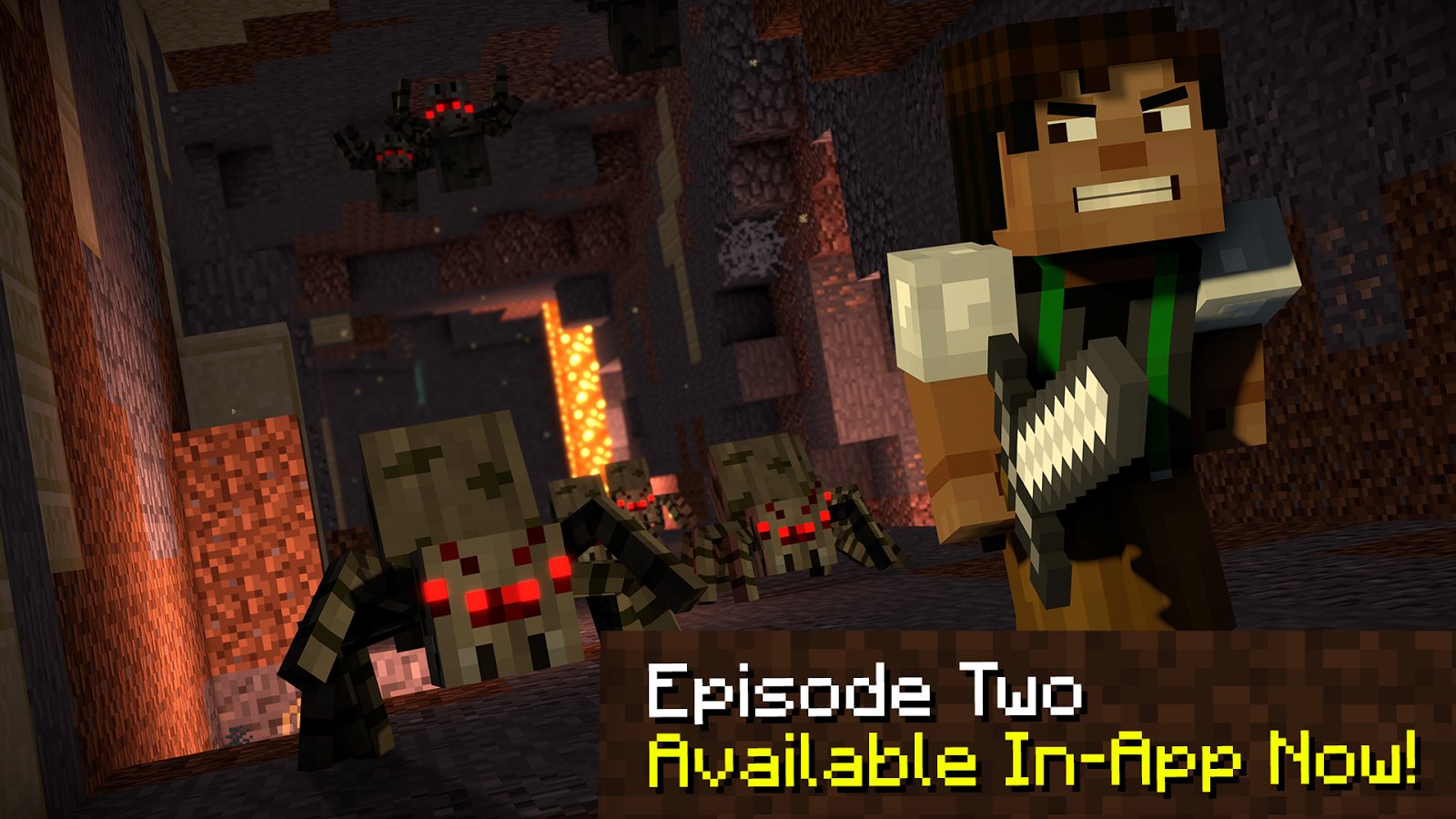
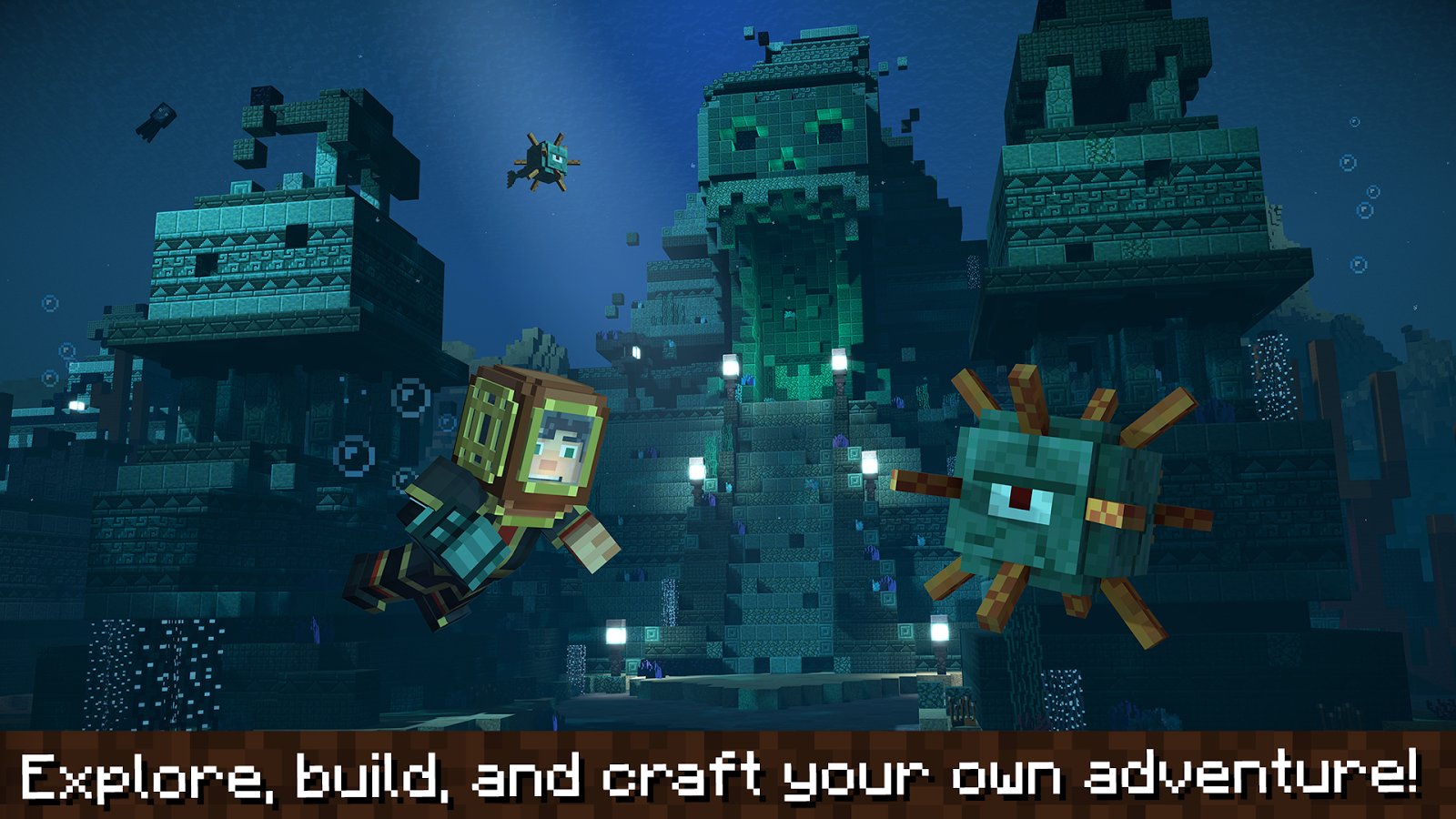
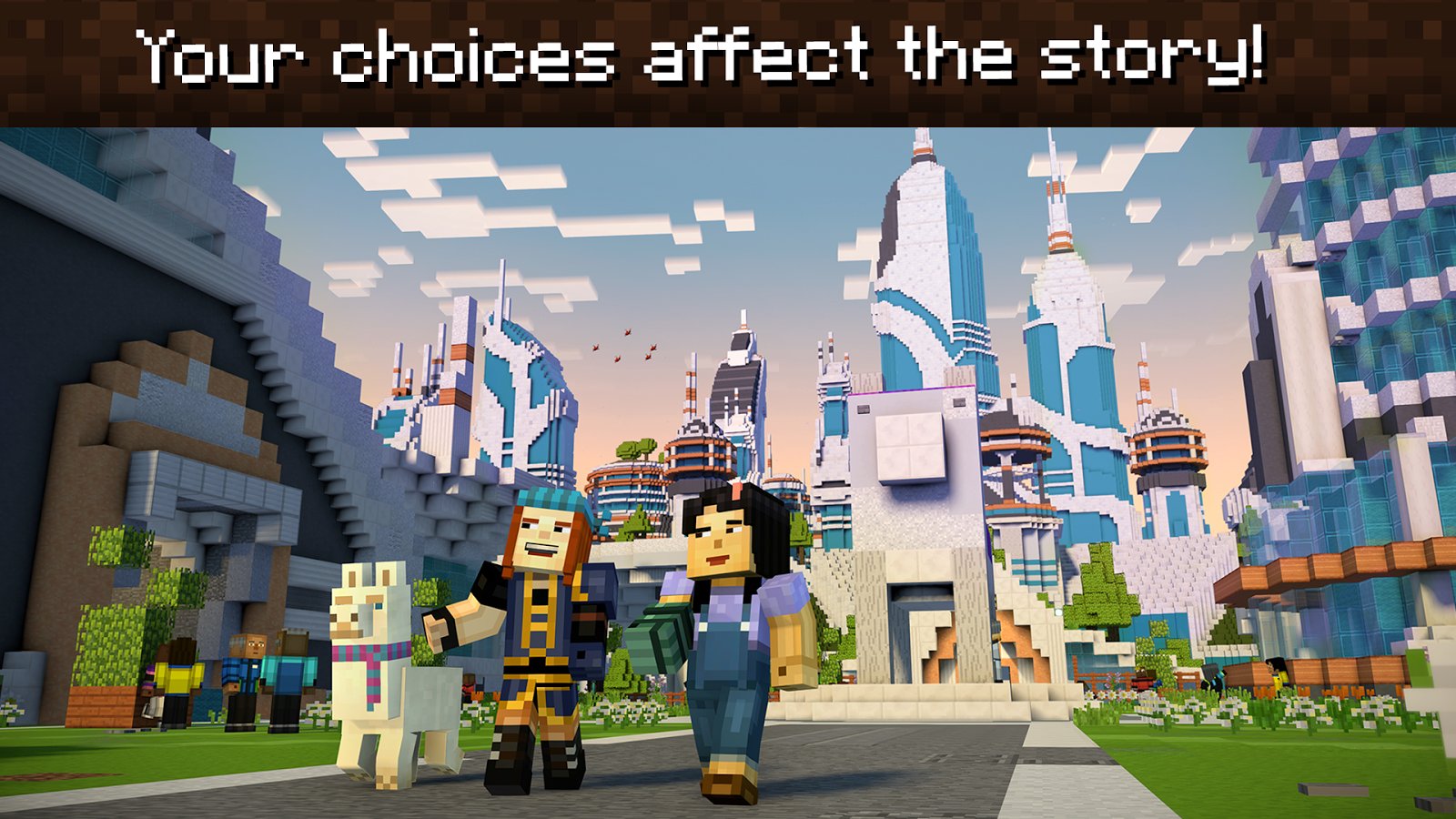
What's new
Version 1.11b is the newest build on APKBlade, updated 14 June 2024.
Join Jesse on an awesome Minecraft journey in Story Mode Season Two! You'll face tough choices and meet a feisty llama.
Are you ready to return to Minecraft’s blocky world with an epic story? Then get ready for “Minecraft: Story Mode – Season Two.” This game isn’t just about building and surviving. It’s packed with choices that matter, loyal friends, and tricky challenges. Let’s explore why “Minecraft: Story Mode – Season Two” is a must-play adventure.
The Story Continues
“Minecraft: Story Mode – Season Two” follows the first game. It’s developed by Telltale Games, masters of episodic story games. Released in 2017, it offers fans a fresh chapter in the Minecraft universe. This time, Jesse from Season One faces brand-new challenges.
A Mysterious Glove and a Powerful Villain
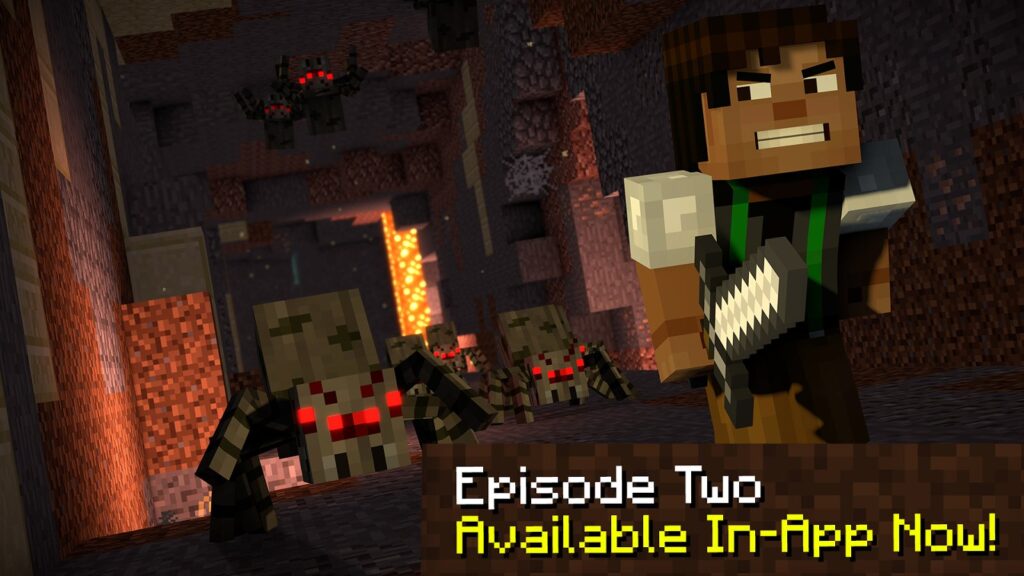
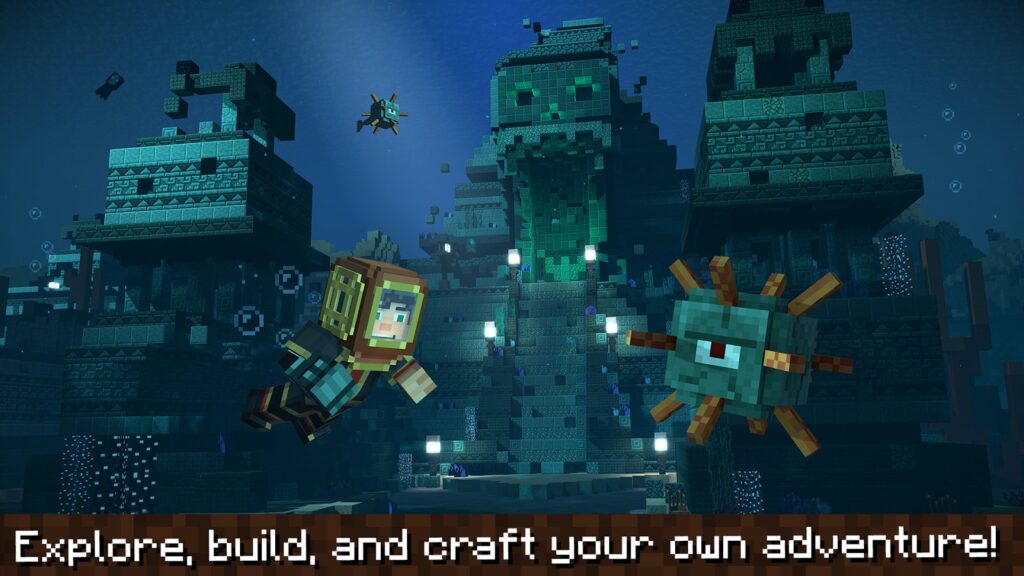
The game starts with Jesse stuck with a mysterious glove that won’t come off. This isn’t an ordinary accessory. It leads Jesse’s crew on an epic quest across the Overworld, the Nether, the End, and beyond.
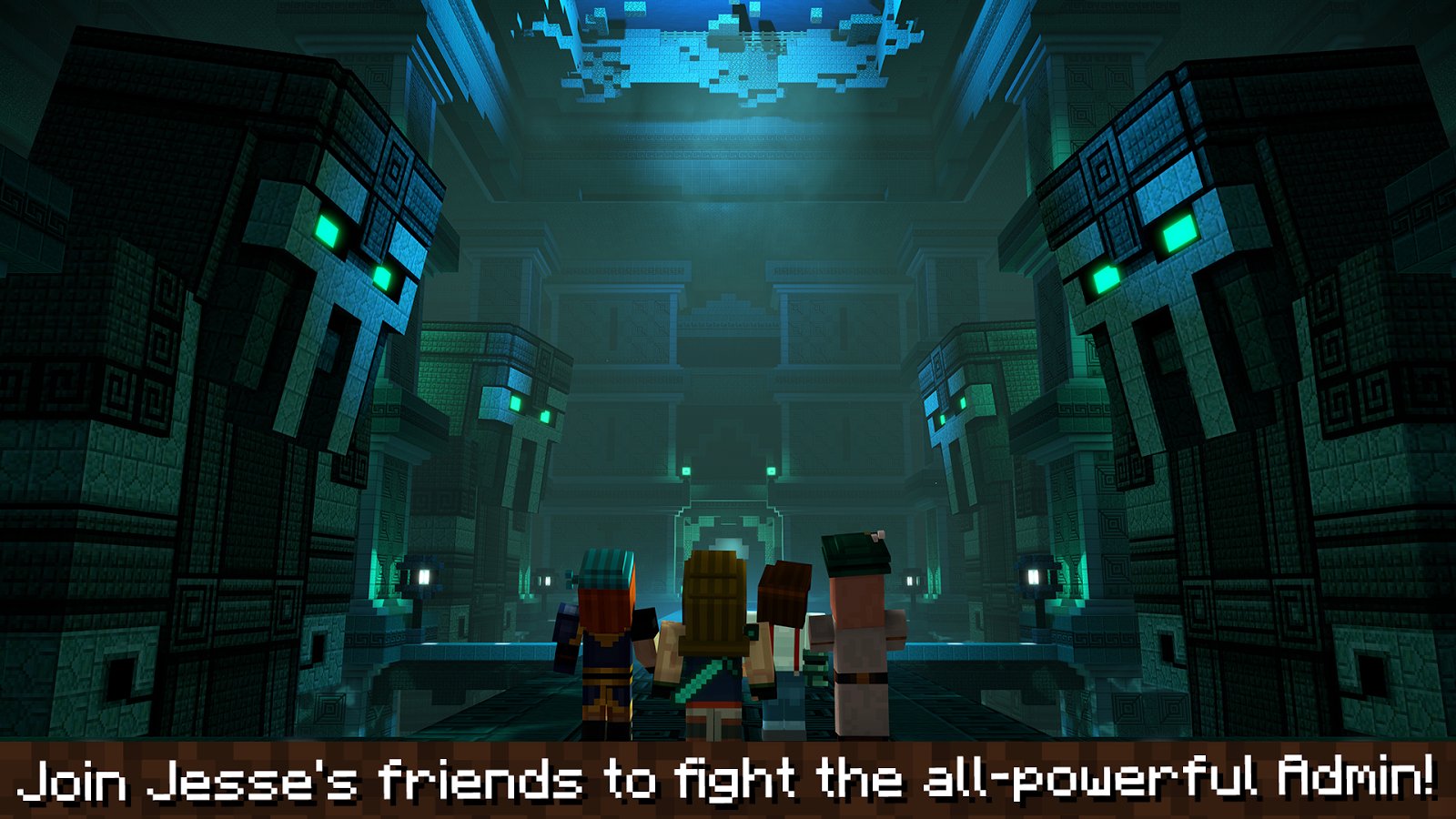
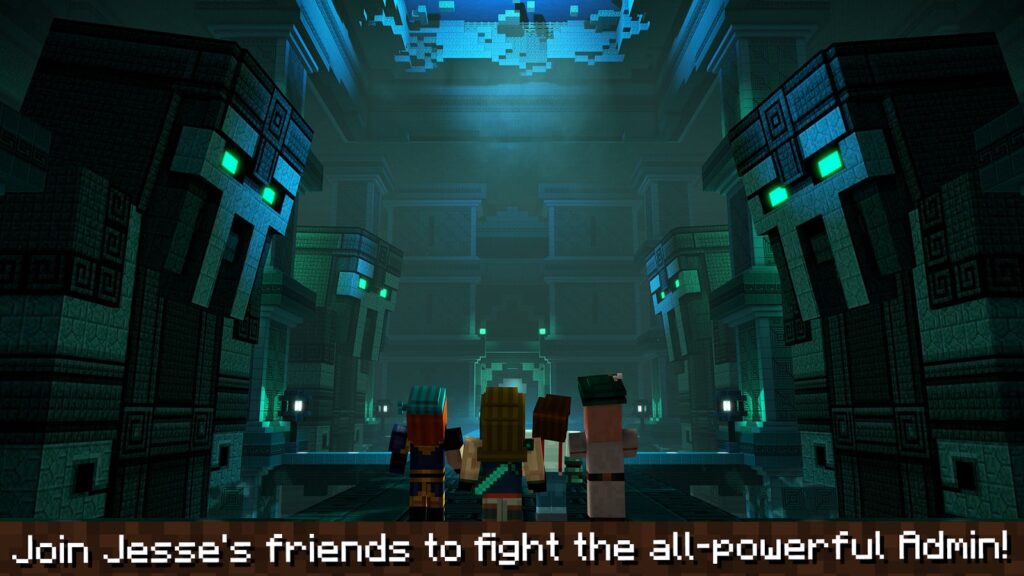
They’re not simply treasure hunting. They must face the Admin – a mighty foe with unimaginable powers threatening their world.
Old Buddies and Fresh Companions
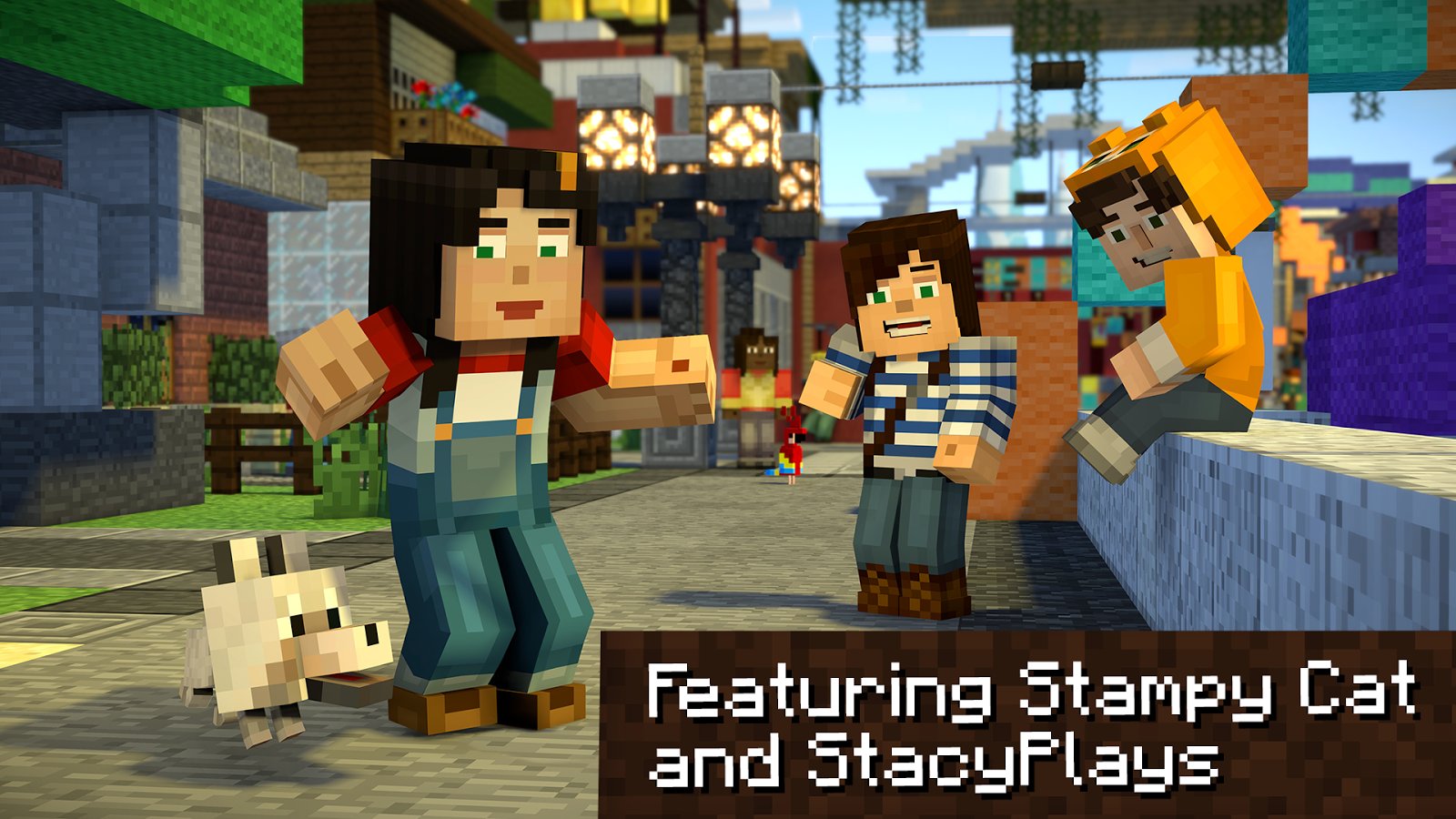
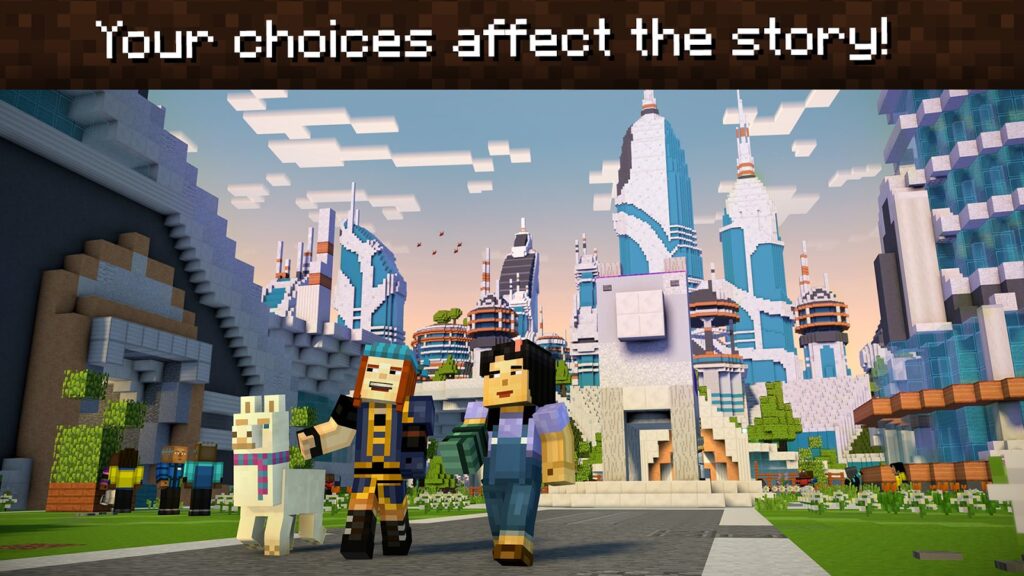
Your journey brings reunions with familiar faces like Petra, Axel, and Lukas. But an adventure wouldn’t be complete without meeting new friends too! Season Two introduces characters like Jack and Nurm, joining Jesse against the Admin’s evil schemes. And don’t forget the temperamental llama, adding laughs and surprises along the way.
Choices Shape Your Path
A key part of “Minecraft: Story Mode – Season Two” is how your choices influence the story. Will you prioritize friendship above all else or the mission at any cost? Tough decisions like these add depth, making your adventure uniquely yours.
Fun Times, Great Storytelling
While the game has tension and high stakes. It’s packed with joyful, humorous moments, too. The top-notch writing delivers witty dialogue and situations that’ll make you chuckle. Balancing serious storytelling with lighthearted fun is why players love the series.
Game for All Platforms
“Minecraft: Story Mode – Season Two” released on various platforms like PlayStation 4, Xbox 360, Xbox One, and more. This wide availability means gamers can enjoy the adventure on their preferred system. While prices may vary per platform; the engaging experience remains consistent across versions.
The Game Has Episodes
The game is divided into five parts or episodes. This format lets players experience the story bit by bit. You’ll play one part at a time. At the end of each part, there will be a cliffhanger. This will make you excited to play the next episode.
The Game For Android Phones
You can also play this game on your Android phone or tablet. You must download the “Minecraft: Story Mode – Season Two APK” file. APK means Android Package Kit. This file lets you install Android apps on your device.
Why Should You Play It?
RehumanizeThis game combines the world of Minecraft with storytelling. It’s like playing a role-playing game. Even if you’re not a Minecraft fan, you’ll enjoy the adventure. The story and characters make it interesting.

To Sum It Up
The “Minecraft: Story Mode – Season Two” game is worth playing. Its engaging story, memorable characters, and choices make it fun.
You can play on a console, PC, or Android device using the APK. Experience the magic of Minecraft and a thrilling Telltale adventure. Gather your friends and get ready to face the Admin. Your journey begins!
More About Minecraft: Story Mode - Season Two
| Name | Minecraft: Story Mode - Season Two |
|---|---|
| Package Name | com.telltalegames.minecraft200 |
| Category | Adventure |
| Version | 1.11b |
| Size | 34.5 MB |
| Requires Android | 5.0 and up |
| Developer | Telltale Games |
| Last Updated | 14 June 2024 |
How to Install Minecraft: Story Mode - Season Two
- Tap the download button and let the file finish.
- Open the file from your notifications or the Downloads folder.
- If Android asks, allow your browser to install unknown apps.
- Tap Install, then open the app.
FAQ'S
How to install Minecraft: Story Mode - Season Two on android phone?
Once you've downloaded the APK file, click on the downloaded file, then hit the "Install" button.
I am getting Play Protect warning while installing!
Some mod APK files might get a warning. You can ignore this warning and install the APK file. Follow these simple steps to turn off Play Protect: Open Google Play app > Click Profile Icon > Select Play Protect -> Setting > Turn off both "Scan apps with Play Protect" and "Improve harmful app detection" options.
How to update APK without losing the data?
To update APK without losing the data, you don't need to follow anything extra. Click on the downloaded APK file and click the "Install" button. The app will update automatically without loss of data.
How to fix problems while installing/opening?
Make sure you have downloaded the file correctly. The downloaded file extension must end with .apk file. If you face any package install error, redownloading the file may fix the issue.


















Ratings and reviews
There are no reviews yet. Be the first one to write one.